Configured Windows queue · TCP network · Simulator
01 — DEVICES & PRINTING
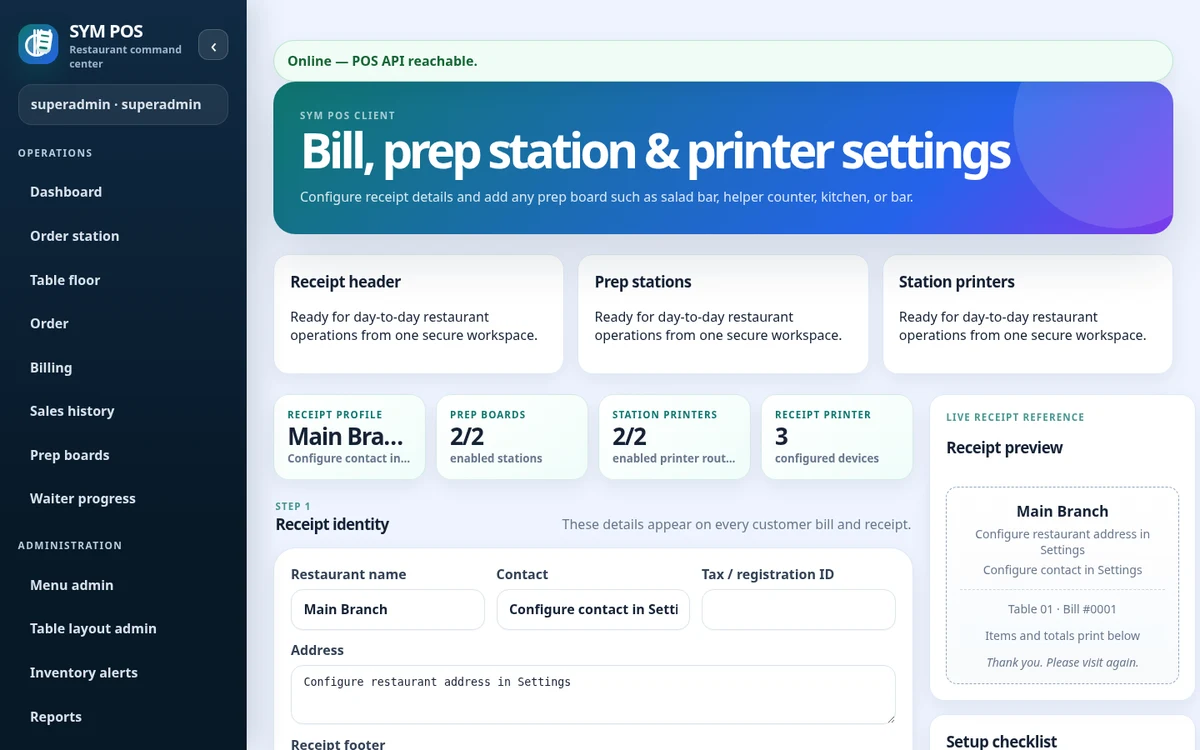
Receipts and preparation tickets
Configure separate receipt and preparation printers so output reaches the appropriate station. Receipt printing and kitchen/bar automatic printing depend on your installation settings.
Printer jobs originate at the restaurant server. A tablet does not need its own direct printer connection when the server can reach the configured printer transport. This makes server-side network and queue setup a key part of commissioning.
Receipt output for the customer
Kitchen preparation tickets
Bar preparation tickets
SYM POS · Product preview
Actual SYM POS screen · Sample evaluation dataOpen full-size
02 — DEVICES & PRINTING
Windows, network and simulator
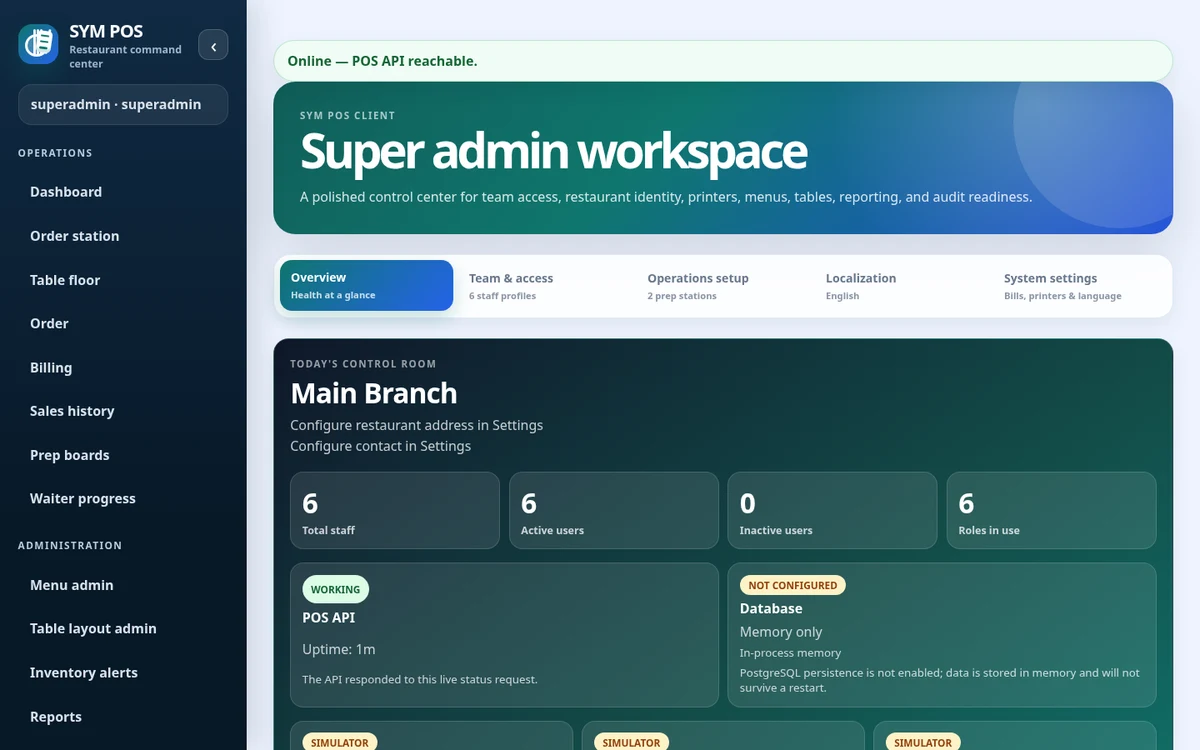
Windows transport uses an installed print queue on a Windows host. Network transport sends jobs through configured TCP connections. The simulator supports setup and evaluation without a physical printer.
Choose the transport that matches your installation. The Windows path uses an installed print queue on a Windows server; the network path needs the configured address and TCP port to be reachable from the server.
Windows installed print queues
Configured TCP network connections
Simulator for evaluation and setup
SYM POS · Product preview
Actual SYM POS screen · Sample evaluation dataOpen full-size
03 — DEVICES & PRINTING
Validate your restaurant hardware
Check server-to-printer reachability, Windows queue names and network addresses. Test actual paper output and Unicode rendering for Myanmar text. No printer-brand compatibility certification is claimed.
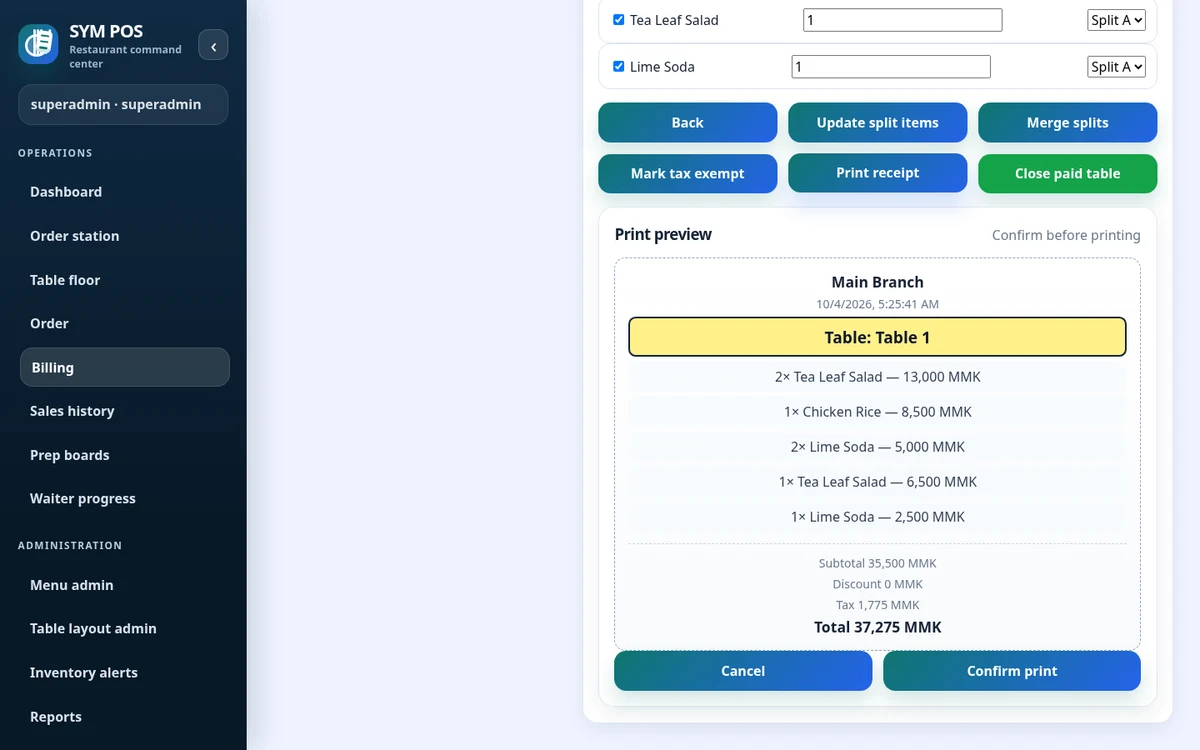
Test a full sample receipt and preparation ticket with your actual menu. Myanmar text needs an appropriate font and Unicode rendering path. Check paper layout, copies and station routing as well as whether a job is accepted.
Physical receipt and preparation output checked
English and Myanmar glyphs inspected
Local network and power recovery tested
SYM POS · Product preview
Actual SYM POS screen · Sample evaluation dataOpen full-size
04 — DEVICES & PRINTING
Choose devices for each station
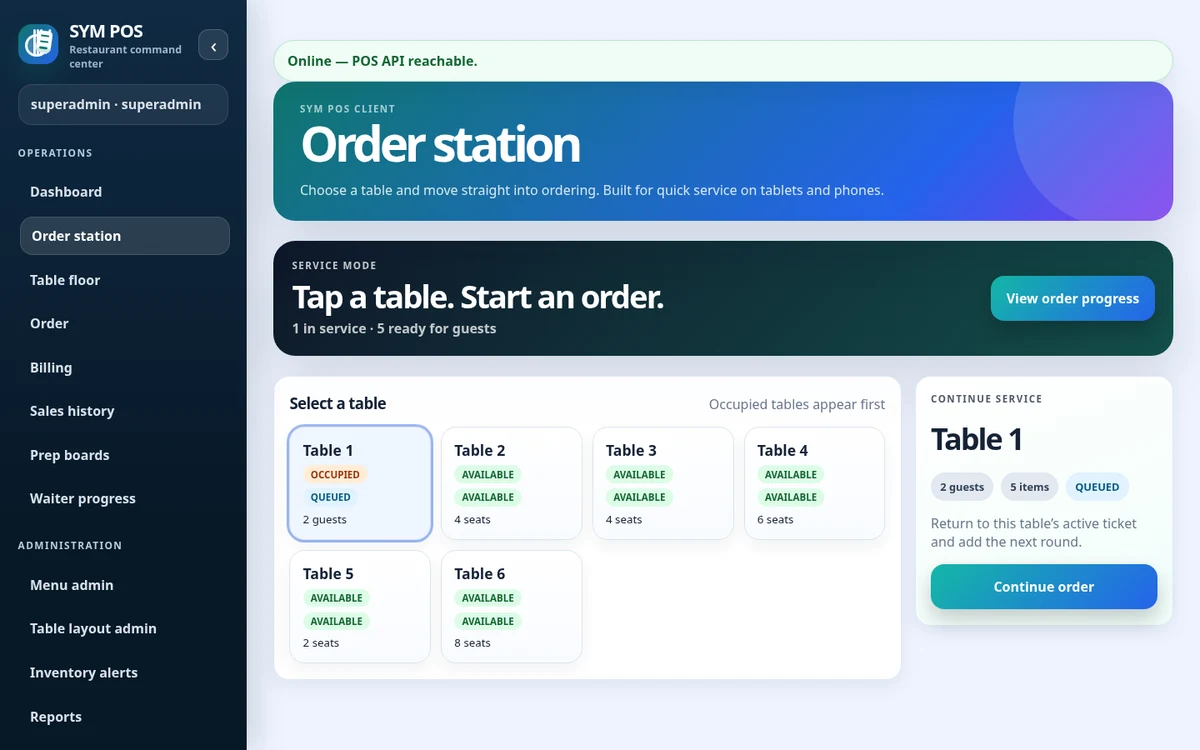
Browser terminals still need reliable access to the application. Use a current supported browser and a screen size suited to the station, with wired connections for fixed equipment where practical.
Desktop or laptop for cashier and manager
Tablet browser for waitstaff
Appropriately sized kitchen and bar displays
SYM POS · Product preview
Actual SYM POS screen · Sample evaluation dataOpen full-size
Try the workflow with your own setup in mind.
Explore the source and product guide, then evaluate with sample data before planning production use. If you need help with installation, configuration or a custom workflow, contact us with your restaurant and device requirements.
A restaurant platform you can explore, run and help improve.
SYM POS is an open-source restaurant operations project. Explore the implementation, follow its development and use the documentation to evaluate a local installation. If it’s useful to you, give the project a star on GitHub.