Plan location-specific deployments, branch-aware data and optional menu synchronization. Understand the scope before designing a restaurant-group rollout.
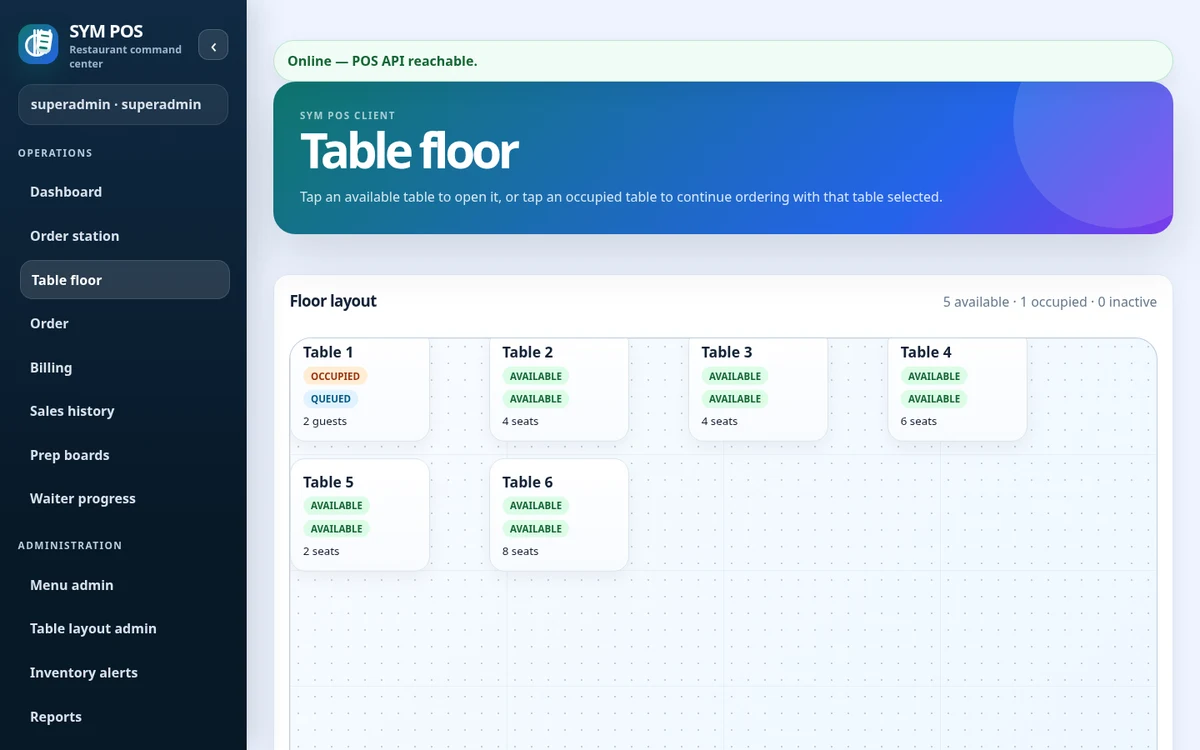
A location runs its own SYM POS server and PostgreSQL database. Browser terminals depend on that location’s LAN, keeping core local workflows separate from optional cloud connectivity.
Each location’s devices connect to that restaurant’s server. This deployment boundary is important when planning connectivity, printer routing and operational recovery across a group.
A local application at each restaurant
PostgreSQL persistence per deployment
Independent local-network availability
SYM POS · Product preview
Actual SYM POS screen · Sample evaluation dataOpen full-size
02 — FOR RESTAURANT GROUPS
Branch IDs and Store IDs define partitions
Operational records are branch-scoped. Synchronization uses Store ID partitions, which must agree with the local branch and cloud assignment. Use stable identifiers throughout the rollout.
Treat partition identifiers as deployment configuration, not labels to change casually. A mismatch between local branch identity and the assigned cloud Store ID needs investigation before synchronization is relied on.
Stable branch and Store ID assignments
Partition checks and diagnostics
Documented configuration per location
SYM POS · Product preview
Actual SYM POS screen · Sample evaluation dataOpen full-size
03 — FOR RESTAURANT GROUPS
Current bidirectional scope: menu data
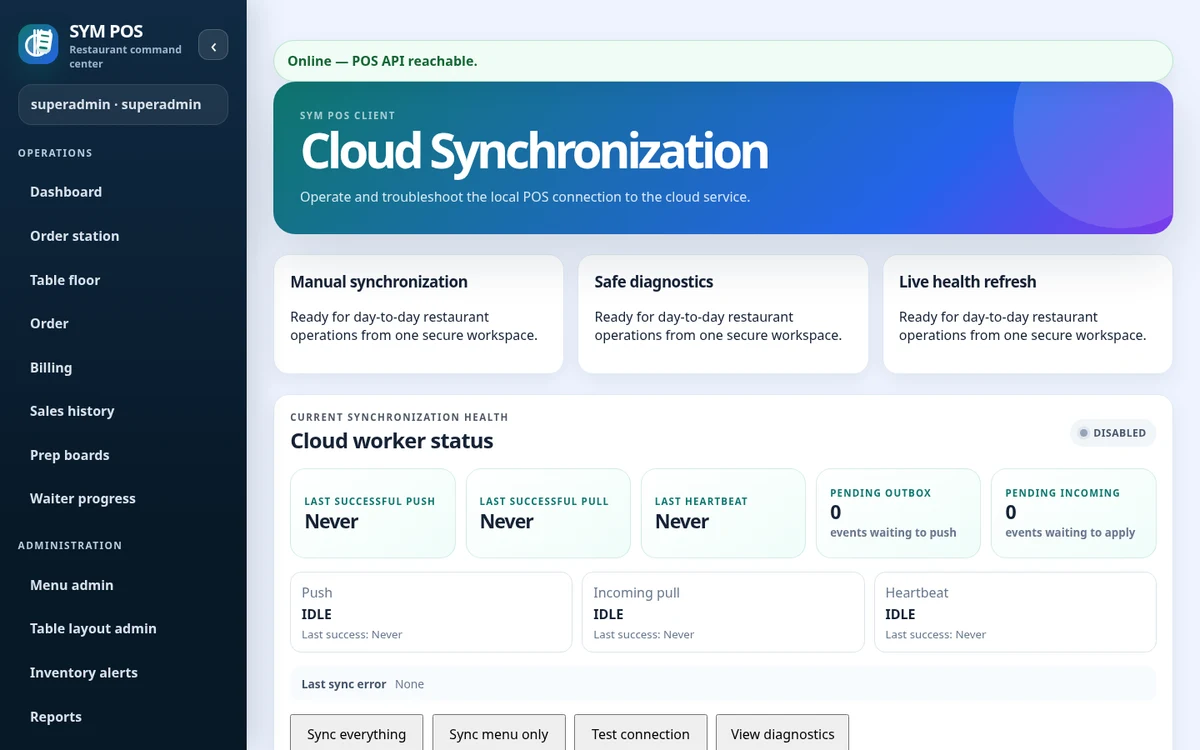
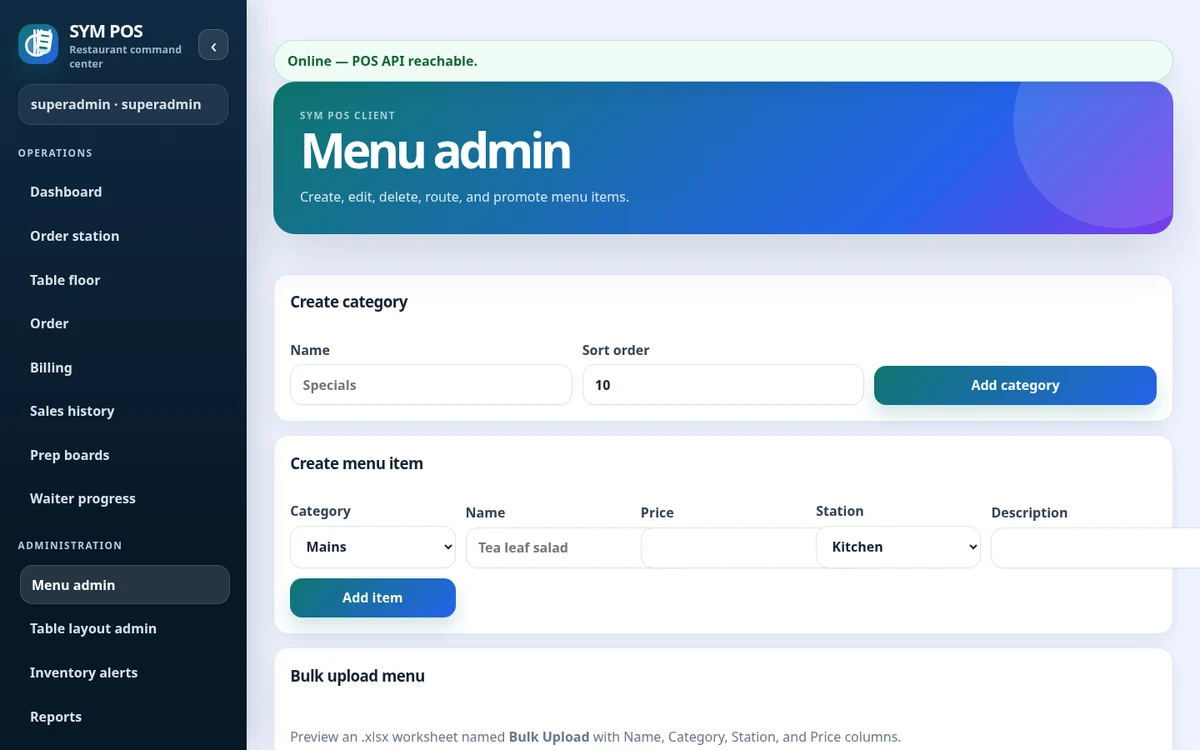
Menu categories and items can synchronize between local and cloud deployments using durable queues, deterministic conflict handling and snapshot reconciliation. Health diagnostics and manual controls support operation.
The synchronization worker runs independently of local cashier requests. Queued menu events and snapshot reconciliation help exchange menu changes when the configured peer is reachable, with diagnostics for operators to inspect.
Bidirectional menu categories and items
Durable delivery and snapshot reconciliation
Health and manual synchronization controls
SYM POS · Product preview
Actual SYM POS screen · Sample evaluation dataOpen full-size
04 — FOR RESTAURANT GROUPS
Plan around the implemented scope
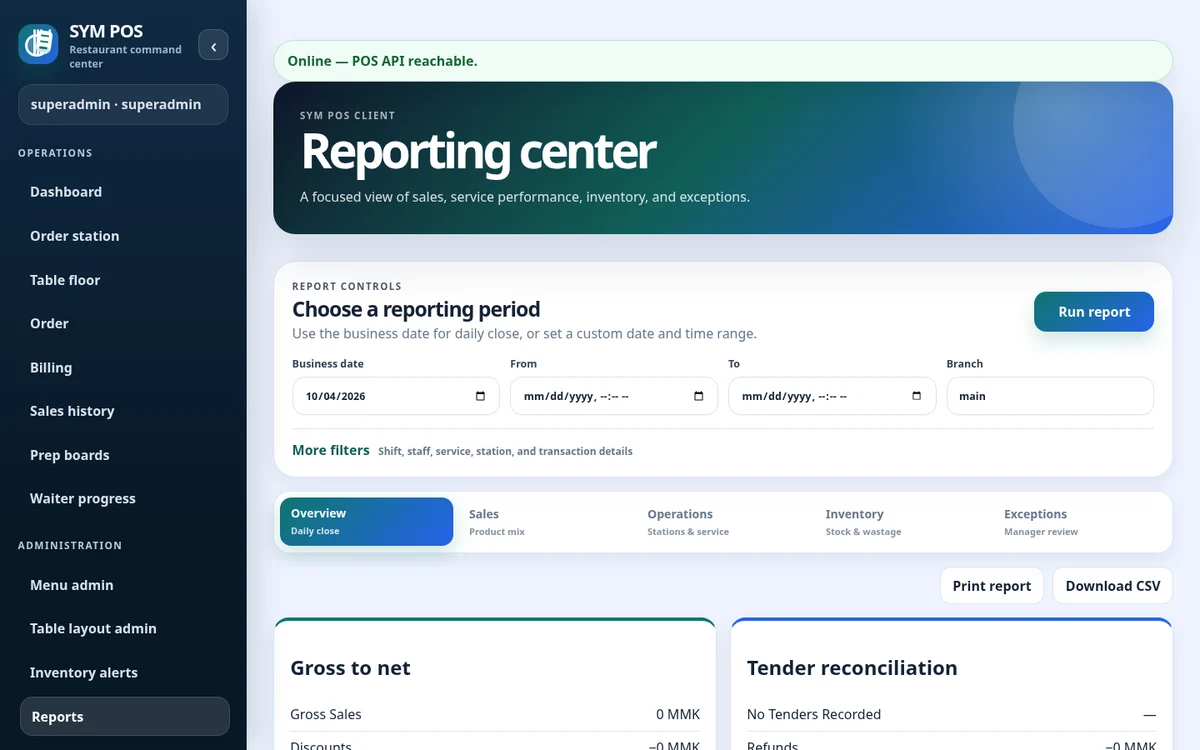
Branch-aware architecture and selective cloud surfaces are not a complete centralized HQ management product. This site does not advertise full live transaction replication, centralized inventory or a comprehensive group analytics portal.
Evaluate the actual workflow you need before planning a rollout. If you require a new group-level report or integration, describe it as a custom support discussion so feasibility can be assessed against the existing code.
Current menu scope explained explicitly
No full HQ-management promise
Custom changes scoped before implementation
SYM POS · Product preview
Actual SYM POS screen · Sample evaluation dataOpen full-size
Try the workflow with your own setup in mind.
Explore the source and product guide, then evaluate with sample data before planning production use. If you need help with installation, configuration or a custom workflow, contact us with your restaurant and device requirements.
A restaurant platform you can explore, run and help improve.
SYM POS is an open-source restaurant operations project. Explore the implementation, follow its development and use the documentation to evaluate a local installation. If it’s useful to you, give the project a star on GitHub.