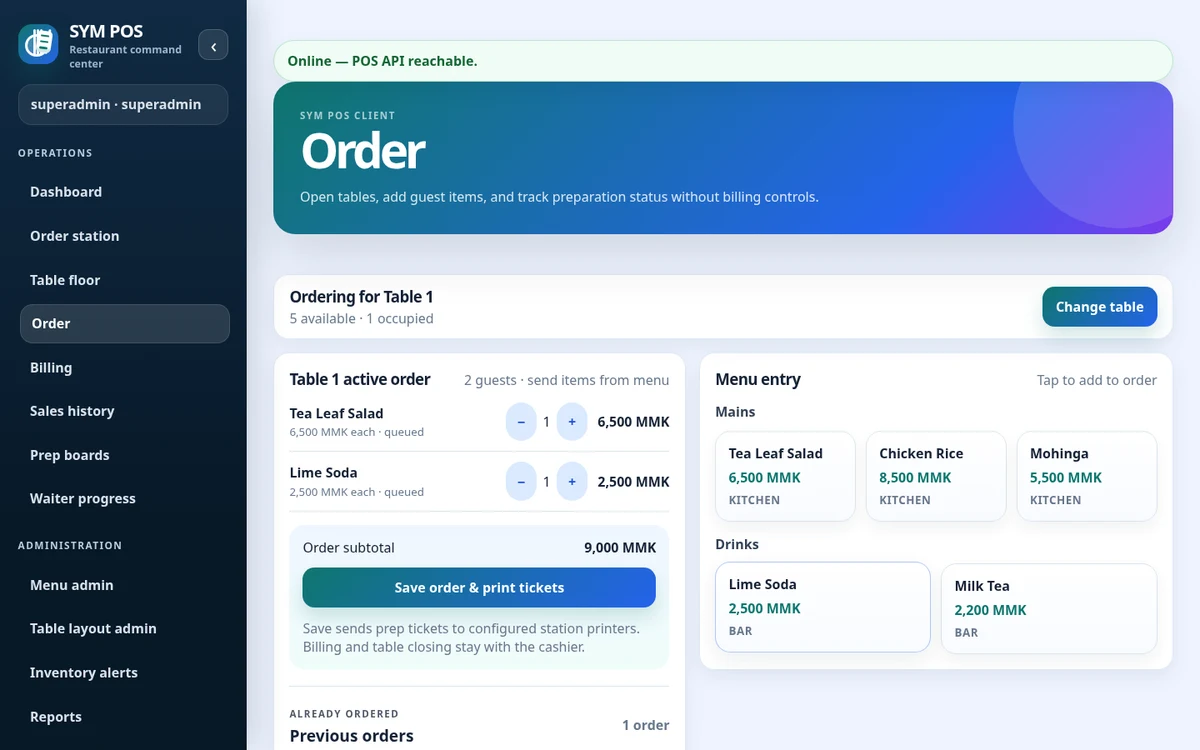
Waitstaff open a table session, build an order and add quantities, modifiers and item notes. The order stays on the shared local system so the cashier and preparation team use the same operational state.
A table session gives the floor a place to organize the guest order. Choose the table, enter guest context and build the menu selection. Keep notes on the relevant items so preparation staff see them in the shared workflow.
Table selection and guest context
Menu quantities, item notes and modifiers
Dine-in and supported takeout order entry
SYM POS · Product preview
Actual SYM POS screen · Sample evaluation dataOpen full-size
02 — FOR TABLE-SERVICE RESTAURANTS
Keep preparation connected
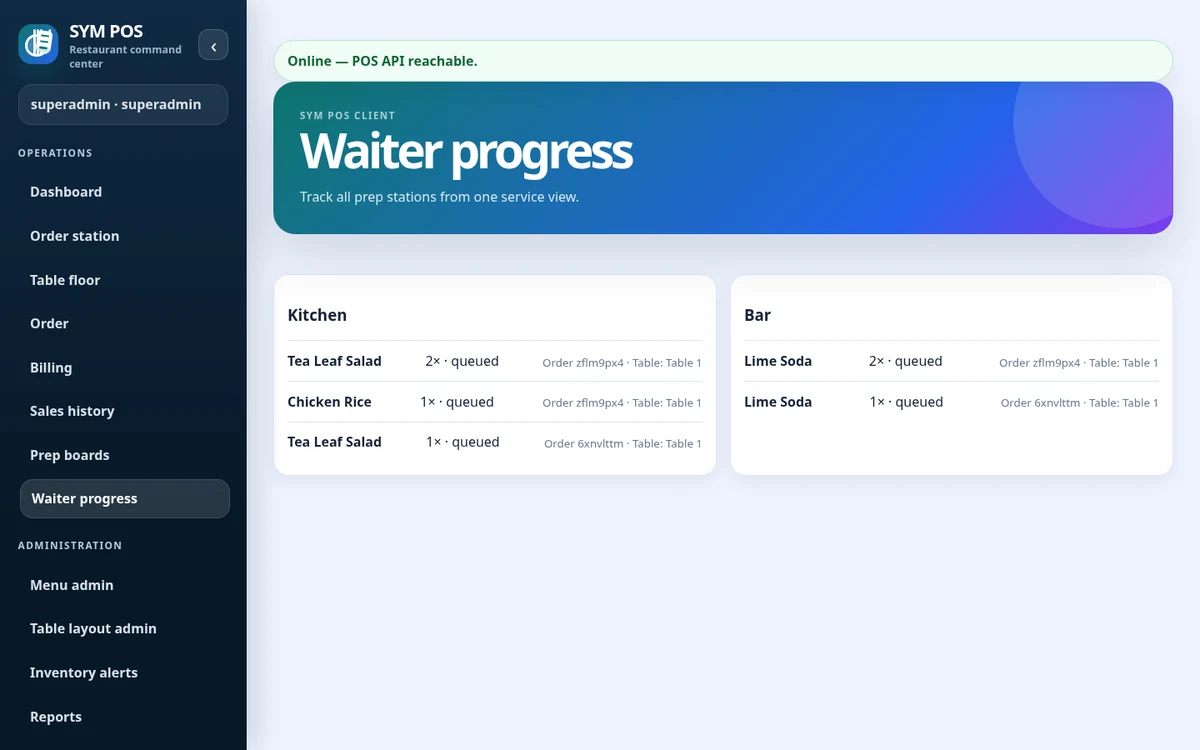
Kitchen and bar teams use separate browser queues. Item-level preparing and ready updates let floor staff review progress without passing handwritten tickets around.
Send each item to the station assigned in the menu. A mixed food-and-drink order can support separate kitchen and bar work, while the floor checks preparation progress before returning to the table.
Kitchen and bar station queues
Preparing and ready item updates
Waitstaff progress review
SYM POS · Product preview
Actual SYM POS screen · Sample evaluation dataOpen full-size
03 — FOR TABLE-SERVICE RESTAURANTS
Finish with a clear bill
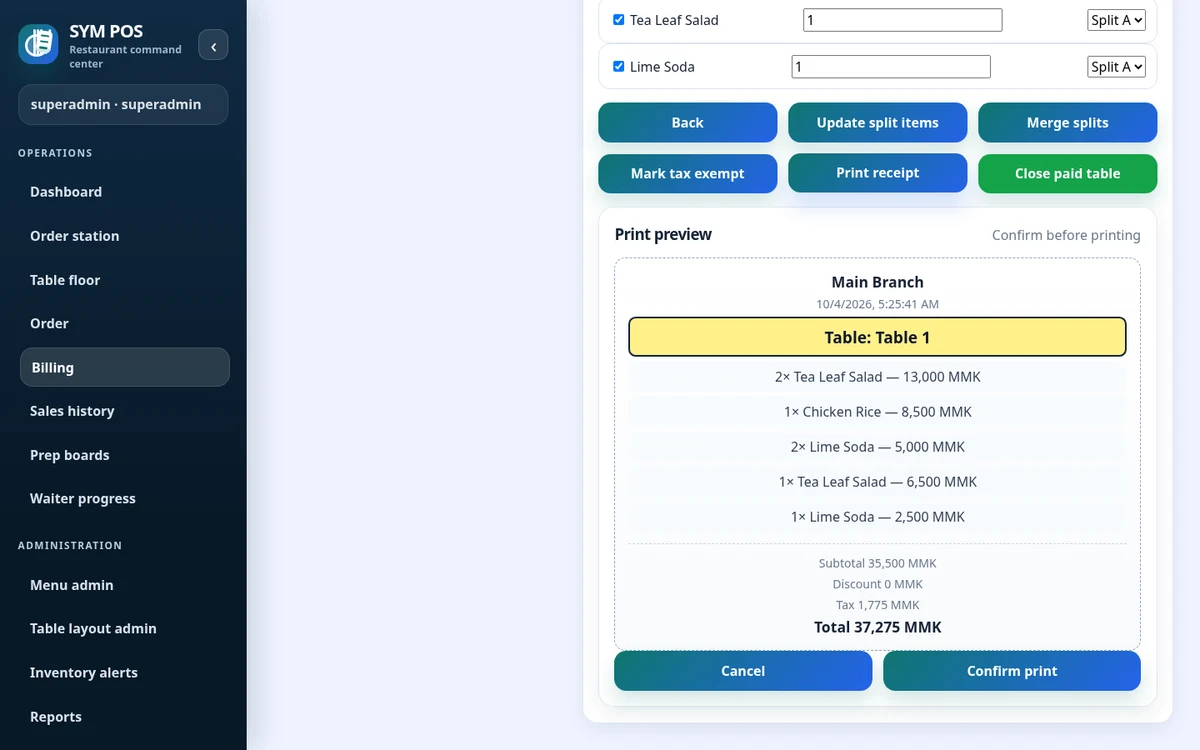
Generate the bill, handle splits, discounts and configured taxes, record payment and produce a receipt. Managers can review implemented reports, menu configuration and audit activity.
Billing uses the restaurant’s configured pricing and tax settings. Review the bill, handle supported splits and discounts, record payment and produce a receipt before closing a paid table.
Bill calculation and supported splits
Payment recording and debt settlement
Receipt generation and configured printing
SYM POS · Product preview
Actual SYM POS screen · Sample evaluation dataOpen full-size
04 — FOR TABLE-SERVICE RESTAURANTS
Review the shift and prepare the next one
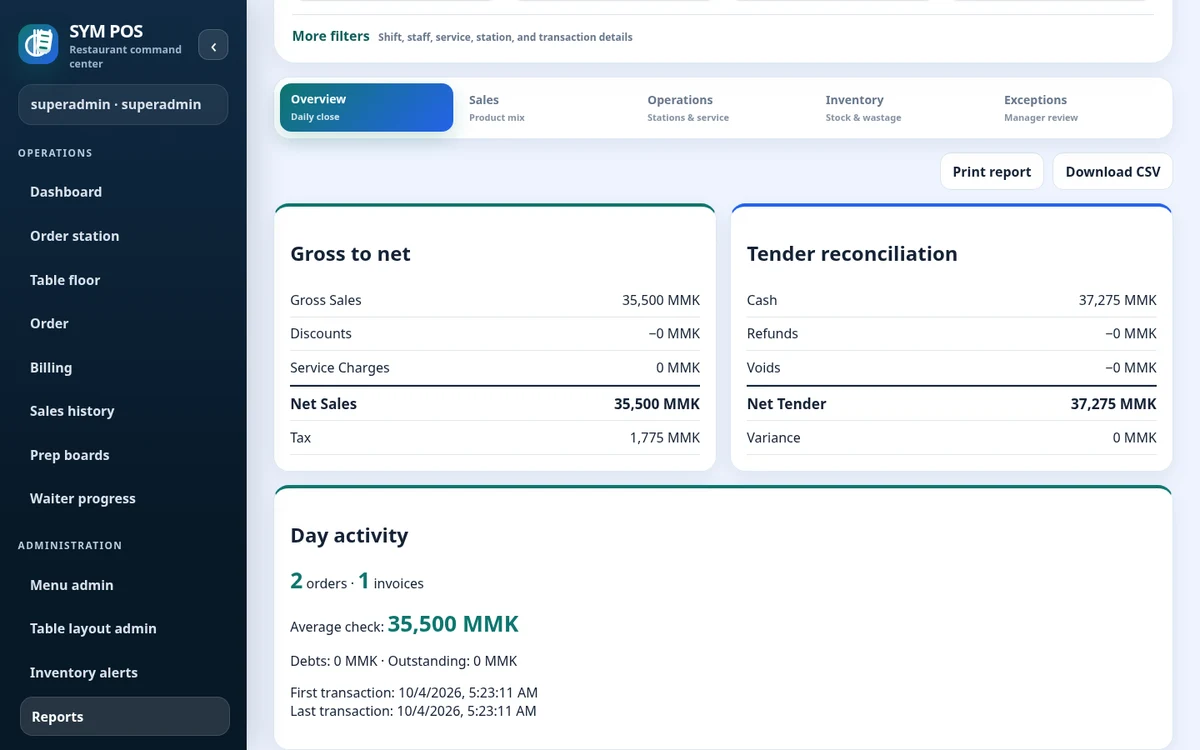
At the end of service, managers can review reports and audit context while preparing the next day’s menu or account changes. Keep the server, database, printers and restaurant network maintained as part of the same operational plan.
Daily summaries and product mix
Menu and user administration
Persistent PostgreSQL deployment and backups
SYM POS · Product preview
Actual SYM POS screen · Sample evaluation dataOpen full-size
01
Select a table
Open a table session or takeout order.
02
Build the order
Add menu items, quantities and notes.
03
Send to preparation
Kitchen and bar see station items.
04
Track progress
Follow preparing and ready updates.
05
Complete billing
Generate a bill, record payment and close.
Try the workflow with your own setup in mind.
Explore the source and product guide, then evaluate with sample data before planning production use. If you need help with installation, configuration or a custom workflow, contact us with your restaurant and device requirements.
A restaurant platform you can explore, run and help improve.
SYM POS is an open-source restaurant operations project. Explore the implementation, follow its development and use the documentation to evaluate a local installation. If it’s useful to you, give the project a star on GitHub.